Strike App Guide
How to use the Strike App (Bitcoin Lightning)
🇬🇧🇮🇪🇪🇺🇺🇸🌎 £ € $
Quick Guide.
Download App, https://strike.me/
Register and learn, answer the questionnaire correctly.
All answers to the questionnaire is here
https://strike.me/legal/uk-risk-warning/
Or use AI ChatGPT or Gemini. https://openai.com/index/chatgpt/
After Registration there might be a 24 hours wait
Deposit using your online banking or banking app. In the Strike app, it will have your unique account number and sort code.
Connect Orbot VPN or Tor Browser
Tor Browser is Recommended
Go to btcpayserver tor site to make payment.
📧 Btcpayserver Tor Site URL is Private, Send Email Request
Use Orbot VPN or Tor Browser to access tor site
https://orbot.app/en/
https://www.torproject.org/download/
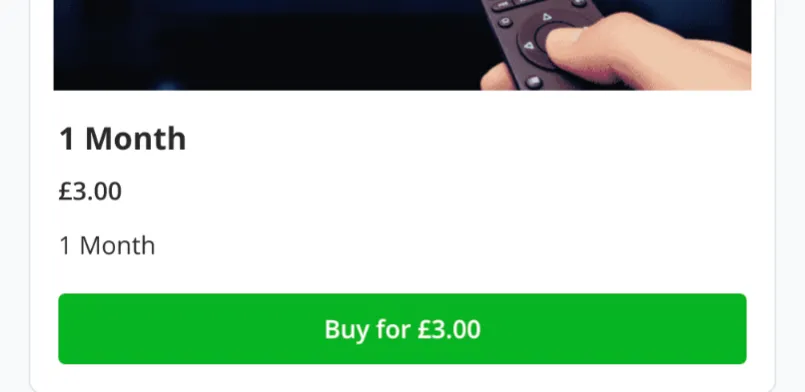
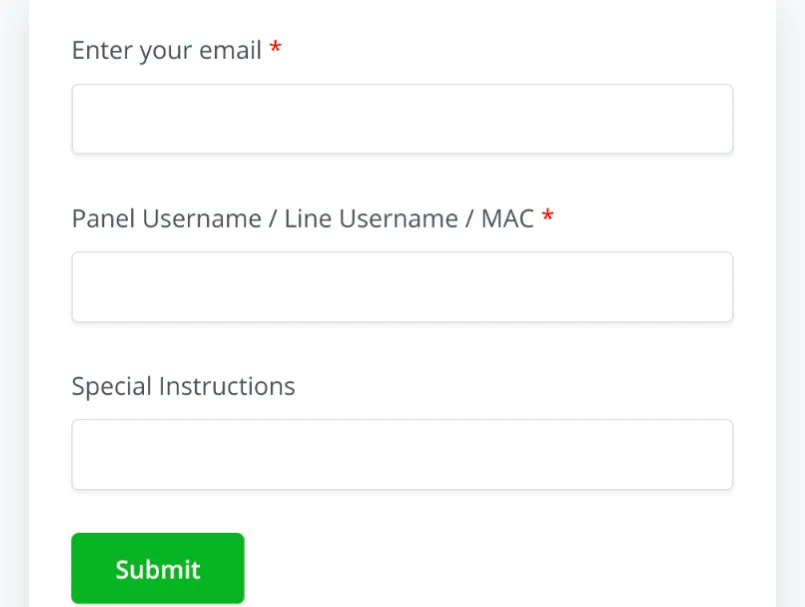
Select the product option and fill in the details.
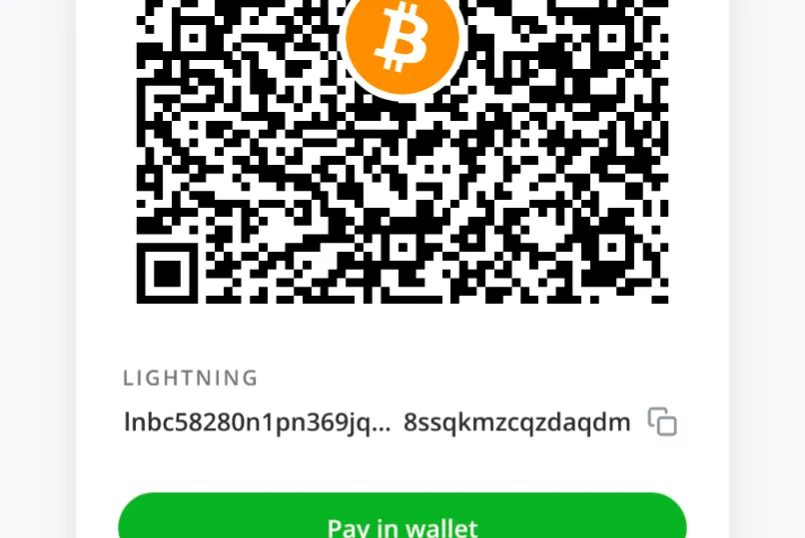
On the Strike App, scan or copy paste lighting invoice.
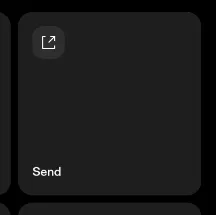
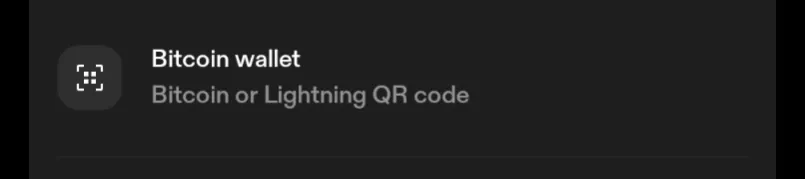
(Send) -> (Bitcoin Wallet) -> Scan or Paste Invoice
Wait for your order to be processed
Done.
You can deposit and pay as little as £3 (1 Month)
Try it out, virtually risk free.
Alway keep more in your GBP balance than you plan to send
For example £100, deposit £103, approximately £3 balance will remain in your strike account.
Any excess GBP can be withdrawn back to your bank account any time.
If you are stuck on anything or unsure, please contact me I will provide clarification and then adjust this guide accordingly
Alternative Bitcoin Lightning Apps
https://www.coincorner.com/
https://www.coinbase.com/
https://www.kraken.com/